A feature in a sentence. A tour people finish.
Your AI shows two features working on real footage — search by what's said or shown, captions from every word — and explains them in a minute.
Make a one-minute feature tour of search and captions in Frapea: search by what's said and by what's shown, on real pottery footage, then turning every word into captions. Narrate it and caption it.
- Writing the script — why search and captions matter, then every step
- Recording the narrator
- Building the real screens and animating every click
- Captions, music, the end card
Read the transcript
Video · Feature tour
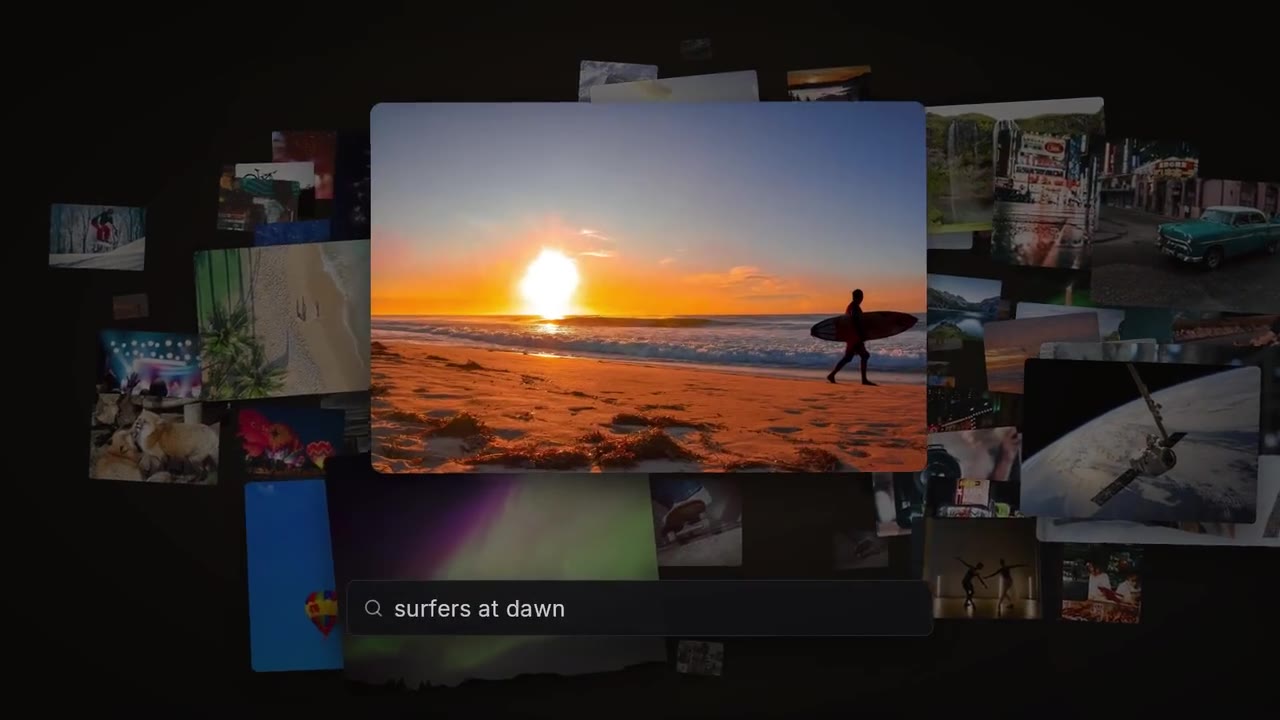
Frapea understands your footage, right in your browser. Search by what's said, or by what's shown. No cloud, no account, nothing to pay. One analyzer hears every word and times it. The other learns what's in every shot. Select a clip with speech and open transcript in the inspector. Frapea hears every word and times it. You can't rush clay, you just wait. New videos get analyzed on their own. And it all runs in the background while you keep editing.
One sentence. The tour, your AI made.
“Make a one-minute feature tour of search and captions in Frapea: search by what's said and by what's shown, on real pottery footage, then turning every word into captions. Narrate it and caption it.”
Nothing else.
Frapea understands your footage, right in your browser. Search by what's said, or by what's shown. No cloud, no account, nothing to pay. One analyzer hears every word and times it.
One sentence in. 1:08 of feature tour out.
It's a real edit. Open it and change anything.
Every cut, caption and keyframe your AI made sits on tracks in Frapea. Move a cut, swap a word, try another hook — by hand, or by asking.
- 1
Opened on the question
How do you find one moment in hours of footage?
- 2
Searched by what's said
A real interview, found by a sentence in it.
- 3
Searched by what's shown
A tall vase on the wheel, found by describing the picture.
- 4
Captioned every word
Then let your AI do all of it in one message.
- 5
Sound and music
Clicks and swooshes on the interface, one bed underneath.
Your product. Your sentence.
For anyone shipping features faster than they can explain them. Copy one of these, paste it to your AI, swap in your own.
Here's a recording of me setting up an account. Make a one-minute onboarding video — steps numbered, voice and captions.
Turn this help article into a 90-second how-to video using screenshots of our app.
Make a 30-second “what's new” video from these three release notes and screenshots.
Cut this 40-minute training call into a five-minute tutorial with chapter titles.
From this recording, make a 20-second vertical tip: how to export a PDF in our app.
Make a two-minute walkthrough of our pricing page for the sales team, with a zoom on each plan.
Connect your AI and ask for yours.
Open Frapea in your browser, click Connect your AI, and tell your AI the code. Free — bring the AI you already use.