Every click of a setup, explained in two minutes.
Why it's worth it, then every step on the real pages — create the key, paste it in — voiced and captioned.
Make a two-minute tutorial on connecting Pexels to Frapea: why it's worth it, then every step on the real pages — create the API key, paste it in — voice it, caption it, end on what your AI can do with it.
- Writing the script — why Pexels is worth connecting, then every step
- Recording the narrator
- Building the real screens and animating every click
- Captions, music, the end card
Read the transcript
Video · Tutorial
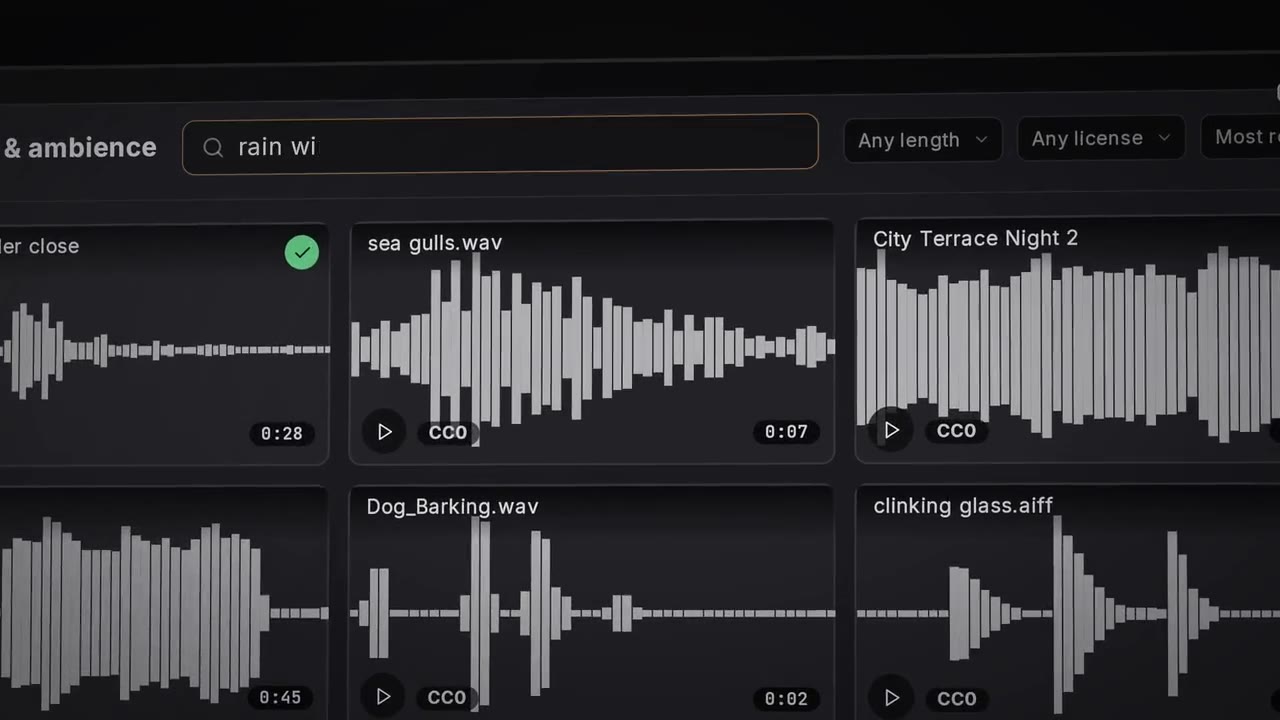
Pexels is a huge library of free photos and videos, millions of them. And now you can connect it to Frapea and work with them directly. And not just you. Your AI agent can search them too, through MCP. Just type what you need. Surfers at dawn, neon Tokyo, a fox in the snow. One click and it's in your media pool. So let's set it up. Start at pexels.com and log in. No account yet? Signing up is free. Open the three dot menu at the top, go to image and video API, then click your API key. Pexels asks a few quick questions. Name your project, pick a category and say in one sentence how you'll use it. Tick the box and hit generate API key. Your key appears right away. Copy it. It stays on this page so you can always come back for it. Open the library, then tools, and click video and photos. Paste the key and hit connect. Frapea checks it with pexels and a second later you're browsing. The key stays on this computer and only ever goes to pexels. Download any shot and it lands in your media pool ready for the timeline. Pexels is waiting right here every time you edit. Pexels is now part of your Frapea, a whole world of footage, one search away, and your AI agent can dig in as well. Connect Claude, ChatGPT, Gemini, or any agent you like, describe the shot you're after, and it finds it, fetches it, and cuts it in. We can't wait to see what you'll make with it.
One sentence. The tutorial, your AI made.
“Make a two-minute tutorial on connecting Pexels to Frapea: why it's worth it, then every step on the real pages — create the API key, paste it in — voice it, caption it, end on what your AI can do with it.”
Pexels is a huge library of free photos and videos, millions of them. And now you can connect it to Frapea and work with them directly. And not just you. Your AI agent can search them too, through MCP.
One sentence in. 2:00 of tutorial out.
It's a real edit. Open it and change anything.
Every cut, caption and keyframe your AI made sits on tracks in Frapea. Move a cut, swap a word, try another hook — by hand, or by asking.
- 1
Opened on the ident
Frapea's own seven-second opening, the same on every guide.
- 2
Sold it first
Millions of free photos and videos, flying home into a project.
- 3
Every step on the real pages
Create the key, copy it, paste it into Frapea — the real pages, rebuilt and animated click by click.
- 4
Narrated every step
A script that says why before it says where to click.
- 5
Closed on what you can do now
What your AI can do with it, and the end card.
Your product. Your sentence.
For every setup step your users get stuck on. Copy one of these, paste it to your AI, swap in your own.
Here's a recording of me setting up an account. Make a one-minute onboarding video — steps numbered, voice and captions.
Turn this help article into a 90-second how-to video using screenshots of our app.
Make a 30-second “what's new” video from these three release notes and screenshots.
Cut this 40-minute training call into a five-minute tutorial with chapter titles.
From this recording, make a 20-second vertical tip: how to export a PDF in our app.
Make a two-minute walkthrough of our pricing page for the sales team, with a zoom on each plan.
Connect your AI and ask for yours.
Open Frapea in your browser, click Connect your AI, and tell your AI the code. Free — bring the AI you already use.